Finding restaurants
Search and filter restaurants
Find restaurants by city, cuisine, area or mall, or use the map to see places near you.
Steps
- 1
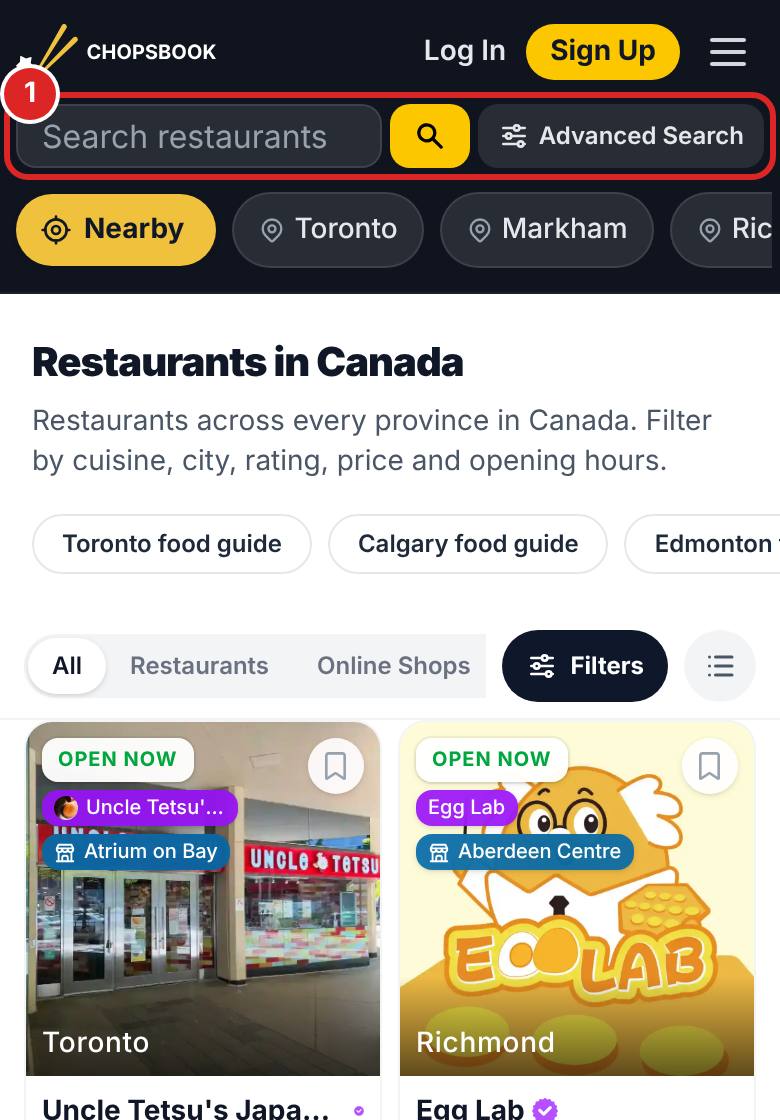
Type a restaurant or dish in the search bar at the top, or open Restaurants.
- 2
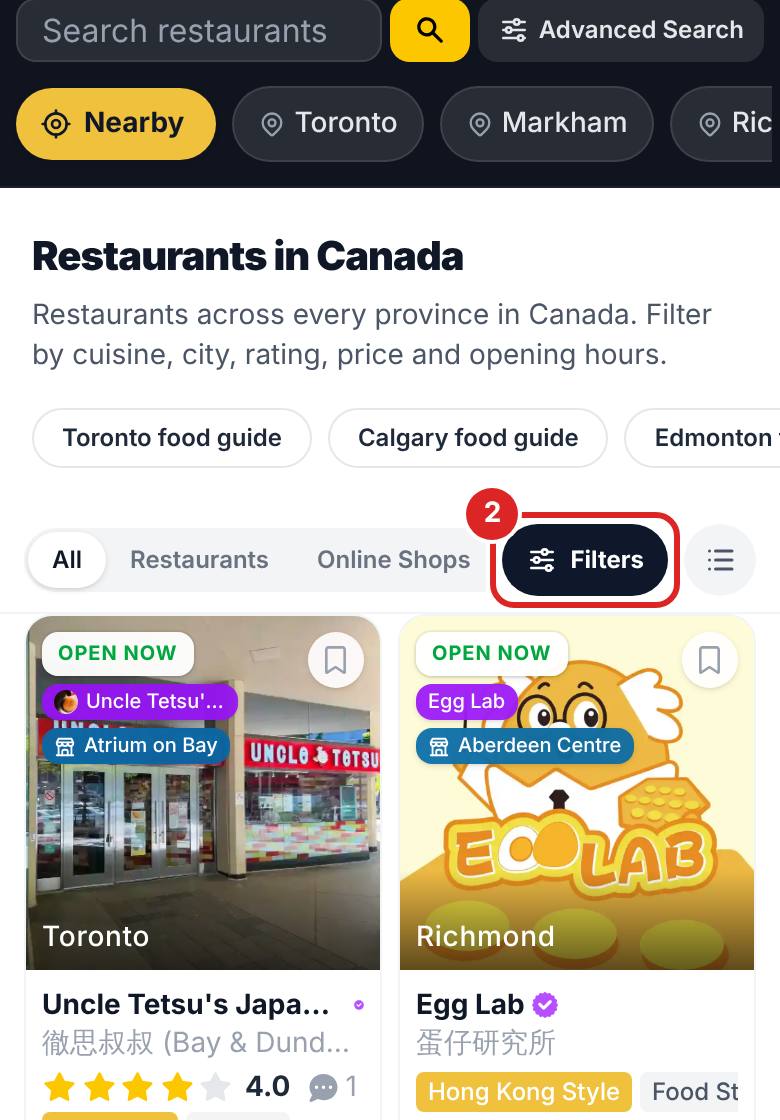
Use the filters to pick a city, cuisine, restaurant type and rating.
- 3
Open the map on the home page to see restaurants near you.
- 4
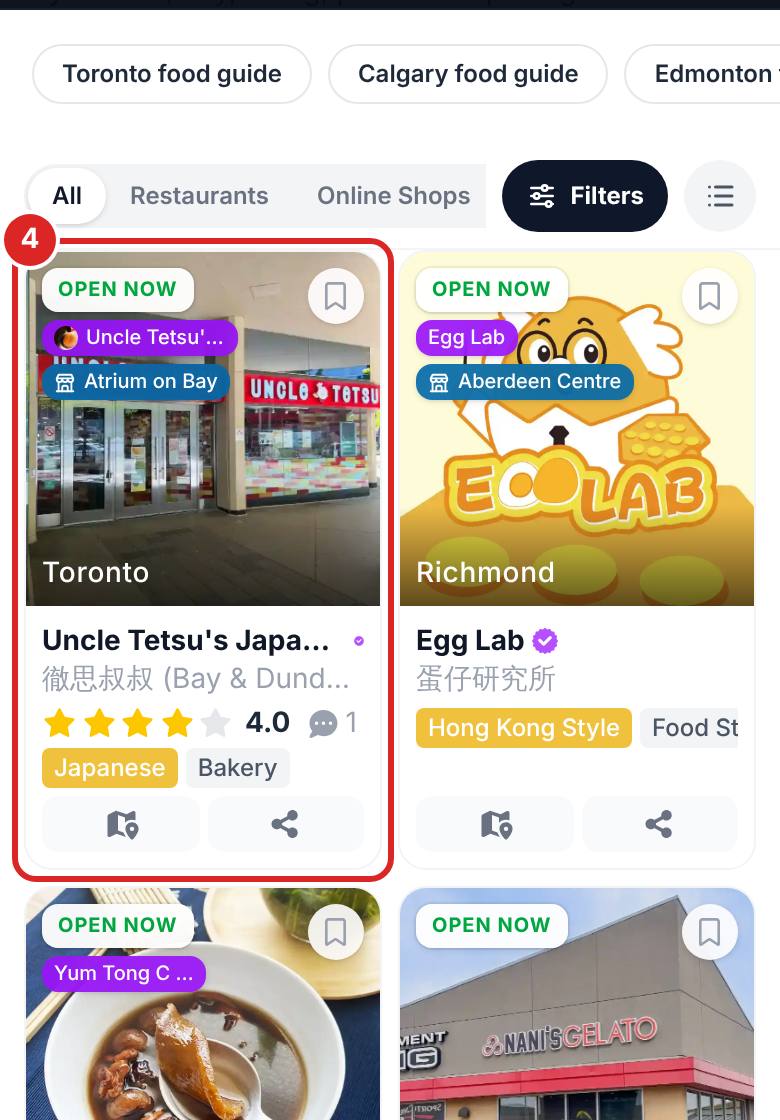
Tap a restaurant card to see its menu, photos, opening hours and reviews.


FAQ
Why can't I find a restaurant?
It may not be listed yet. Send us a request to add it and it will go live after review.
Related articles
Updated: 2026-11-12
Still need help?
Contact us