Finding restaurants
Save restaurants and lists
Save places you love or want to try, sort them into lists, and find them later in a list or on the map.
Steps
- 1
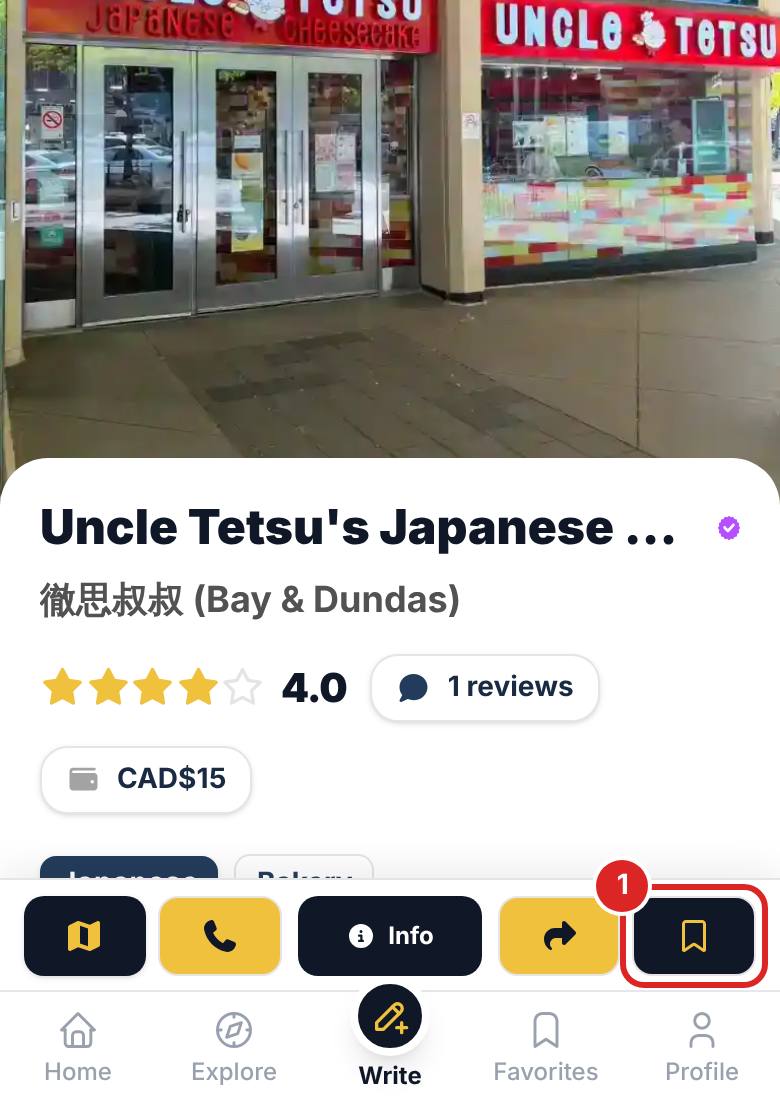
Tap the save button on a restaurant card or restaurant page. It goes straight into "All saved", then pick a list or create a new one.
- 2
Open My collections on your profile to browse each list, search your saved places by name, city or cuisine (online shops are marked as such), or switch to the map to see where the restaurants are.
- 3
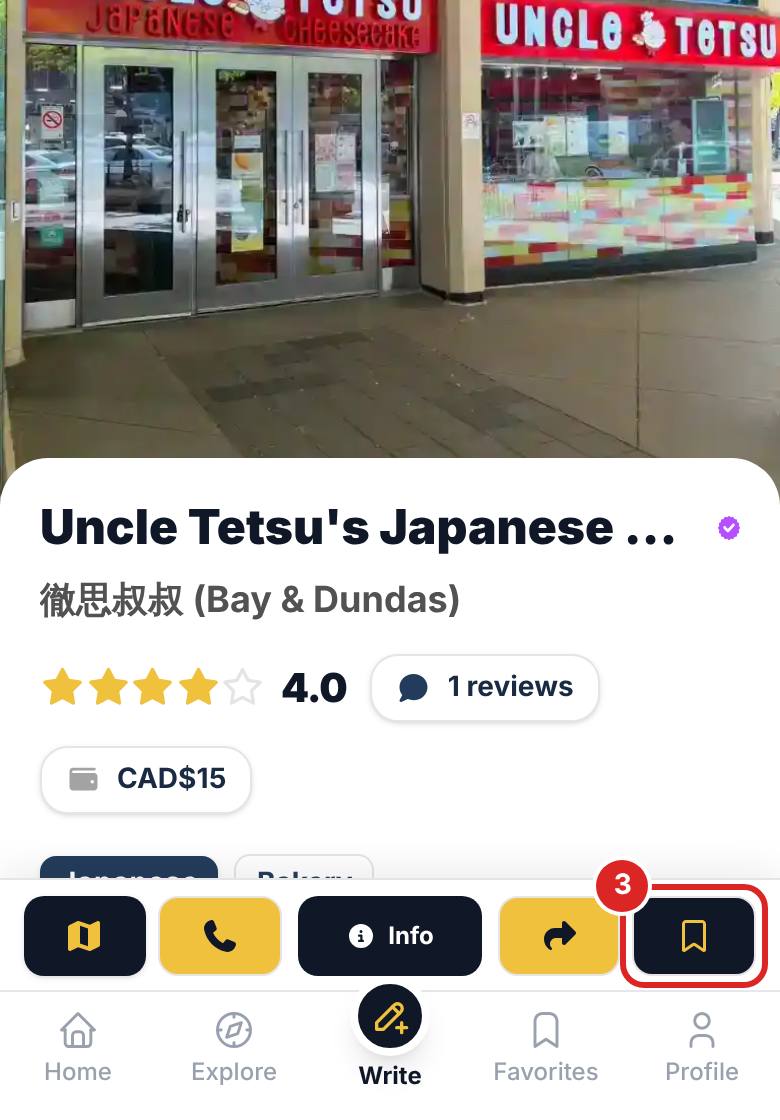
Tick "Tried" for places you have been and leave a review. To remove a restaurant, tap the save button again and choose "Remove from saved".


FAQ
Can other people see my saved restaurants?
All saved and your public lists show on your profile. You can make a list private, and restaurants in a private list are only visible to you.
How many lists can I create?
There is a limit on custom lists, and the screen shows how many more you can create. Deleting a list does not unsave its restaurants; they stay in All saved.
Related articles
Updated: 2026-11-12
Still need help?
Contact us