Getting started
Sign up and verify your email
Sign up with email, Google or Apple. Verify your email to log in and get your welcome rewards.
Steps
- 1
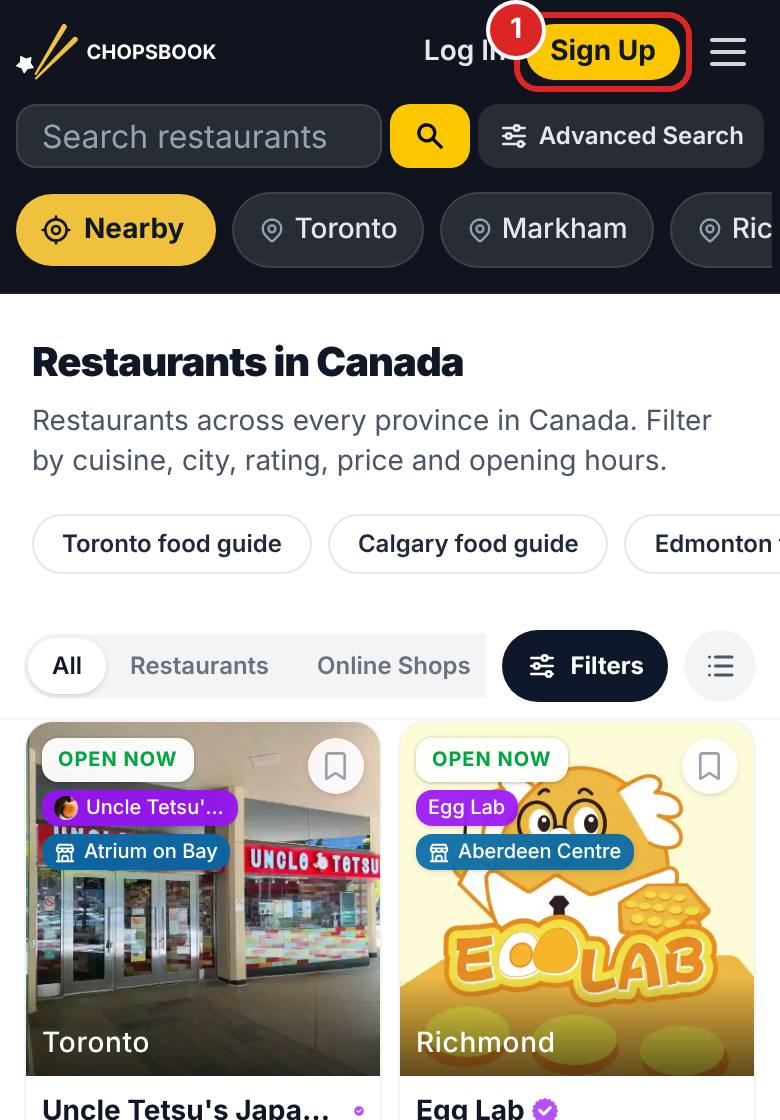
Tap Sign Up at the top right and choose email, Google or Apple.
- 2
If you signed up with email, open the CHOPSBOOK verification email and tap the link inside.
- 3
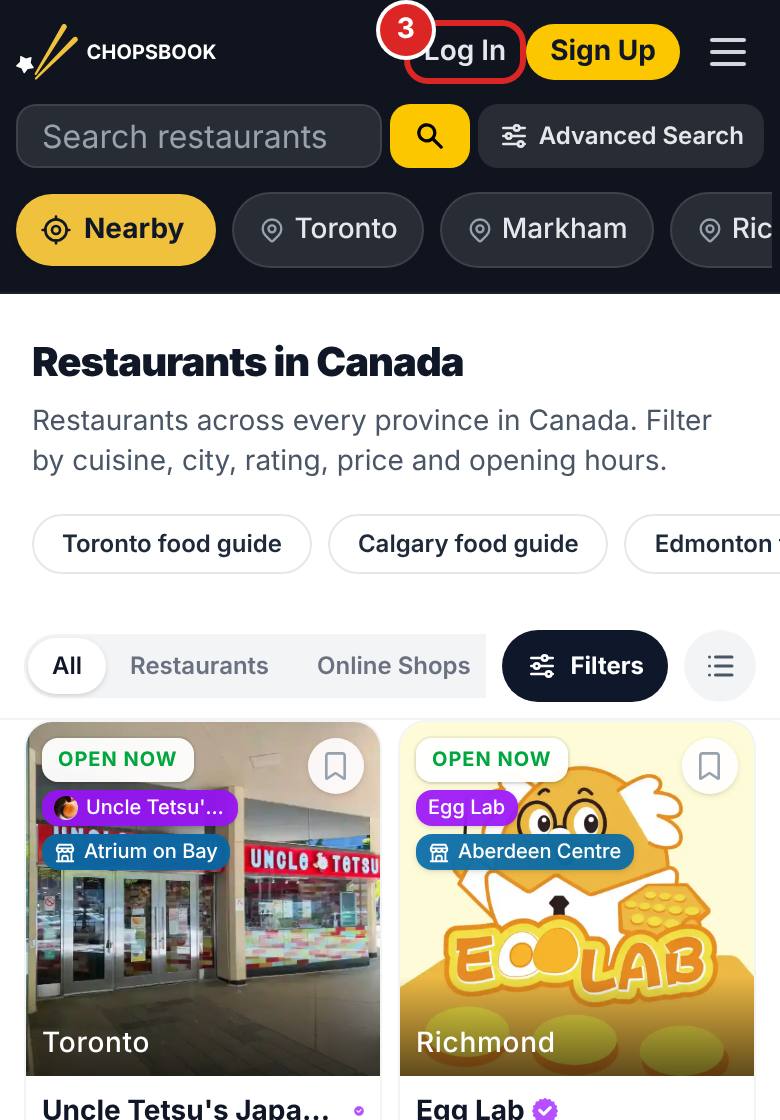
Come back and log in. On your first login you will see the getting started guide and can claim your welcome rewards.


FAQ
I did not get the verification email.
Check your spam folder first. If it is still missing, log in again on the login page and we will send a new one.
Where are my welcome rewards?
They are added automatically on your first login after verifying, and a reward window pops up so you can claim them.
Related articles
Updated: 2026-11-12
Still need help?
Contact us