Community and more
Become a CB Creator
Share food content often? Apply free to become a verified CHOPSBOOK Creator and get invited to restaurant collaborations.
Steps
- 1
Tap Become a Creator in the top menu to learn about the program.
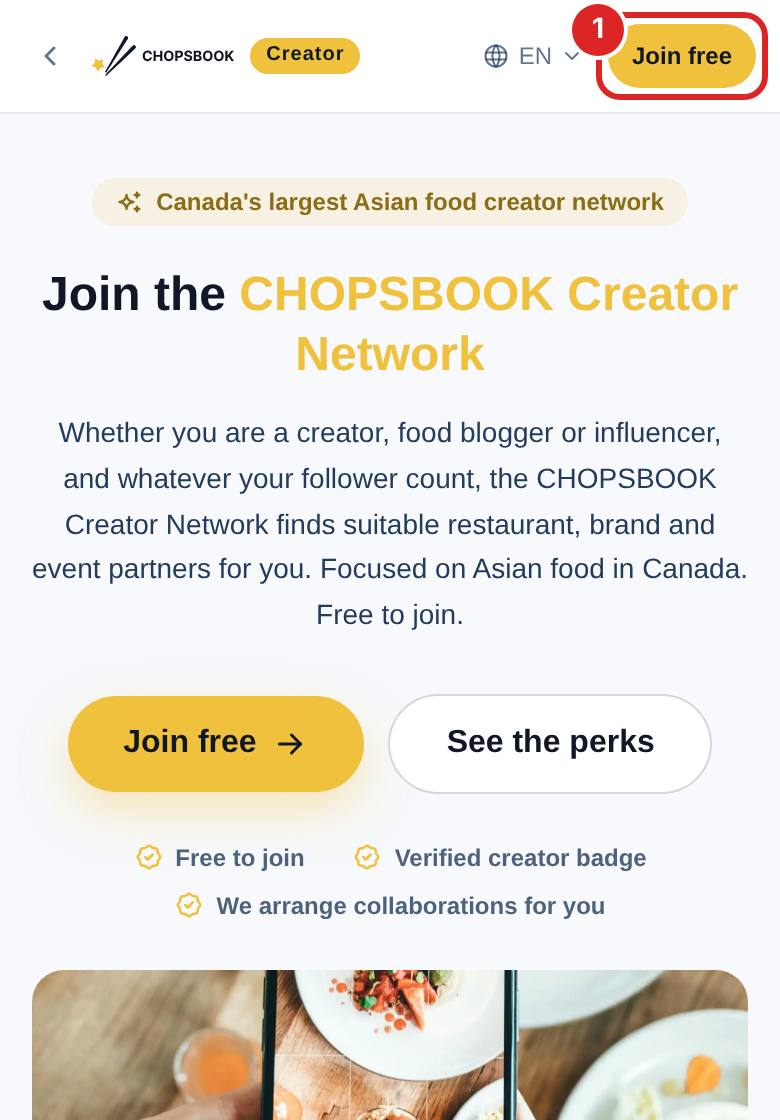
- 2
Fill in the application with your social accounts and examples of your work.
- 3
Once approved, your profile shows a verified badge, and CHOPSBOOK invites you by level when a suitable restaurant collaboration or event comes up.
- 4
When you receive an invitation, open the My Collabs tab on your profile to see invitations awaiting your reply, collaborations in progress and completed ones, and accept or decline right there. Only you can see this tab.
- 5
After accepting, publish your content within 7 days after your visit and submit the post links in My Collabs. Once your content passes the CHOPSBOOK review, the restaurant is asked to confirm it before a deadline, and My Collabs shows "Waiting for the restaurant". If the restaurant requests an edit, update your post as described and submit the links again. Please also add your payout email: CHOPSBOOK settles the collaborations completed in the previous month on the 1st of each month and pays you by Interac e-Transfer.

FAQ
How many followers do I need?
There is no minimum, and you can apply with under 1k followers. We sort Creators into levels by follower count and also look at content quality and how active you are.
Does it cost anything to join?
No, it is completely free. CHOPSBOOK charges Creators no fees and takes no commission from collaboration pay.
How do I get paid?
A collaboration is complete once your content passes the CHOPSBOOK review and the restaurant confirms it, or the confirmation deadline passes. If there is a dispute, your pay is on hold until it is resolved. On the 1st of each month, CHOPSBOOK settles the collaborations completed in the previous month and sends your pay by Interac e-Transfer to the payout email you added in My Collabs.
Related articles
Updated: 2026-11-12
Still need help?
Contact us